
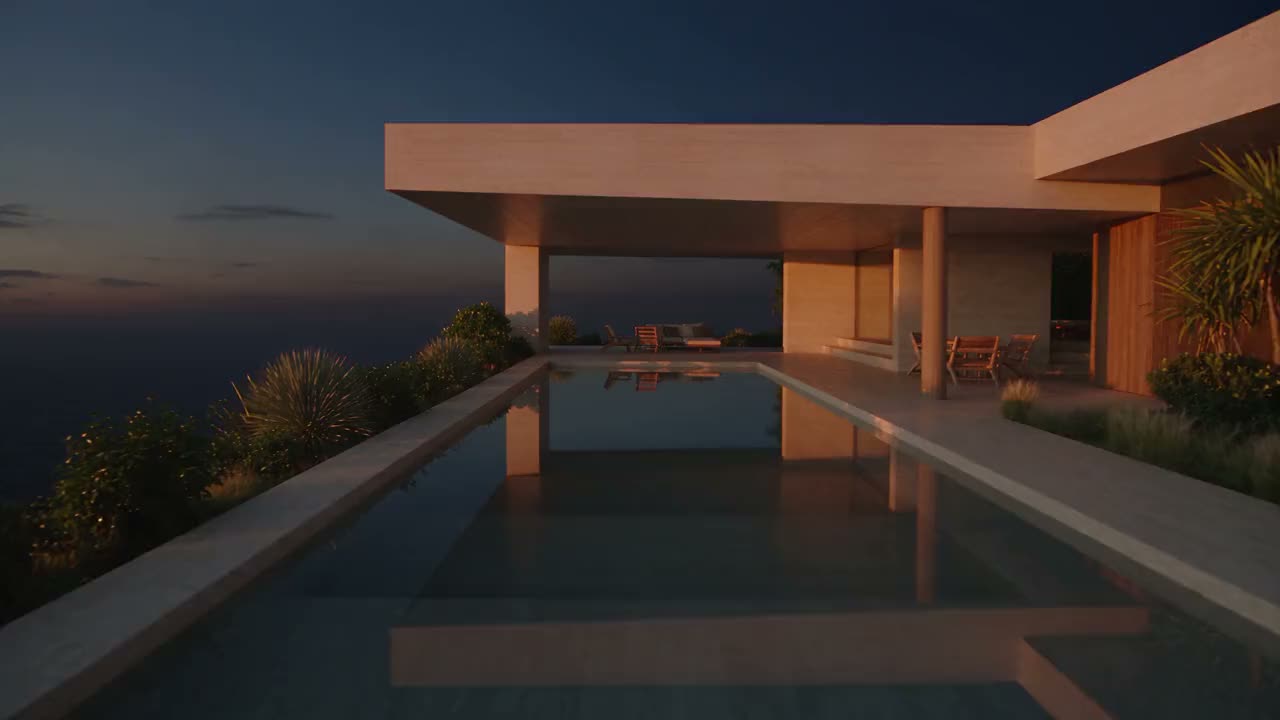
Date a Home Studio · AI creation for real estate
Your property's content, in minutes.
Videos, images, retouched photos, staged rooms, soundtrack and the property tour, ready to post — with the most advanced AI engines on the market, on a single workbench.
- 7creation tools
- 13AI engines
- 8Showcase styles
- 7languages
The engines behind it
The world's best AI models, picked for you.
Video and image with the latest models from Google, OpenAI, ByteDance, Kling, Alibaba, Black Forest Labs and Recraft — and new ones join as soon as they launch.
 Veo 3.1GoogleVideo
 Sora 2 ProOpenAIVideo
 Kling 3.0Kling AIVideo
 Seedance 2.5ByteDanceVideo
 Wan 3.0AlibabaVideo
 MiniMax H3MiniMaxVideo
 Grok ImaginexAIVideo
 GPT Image 2OpenAIImage
 Gemini 3 Pro ImageGoogleImage
 Imagen 4GoogleImage
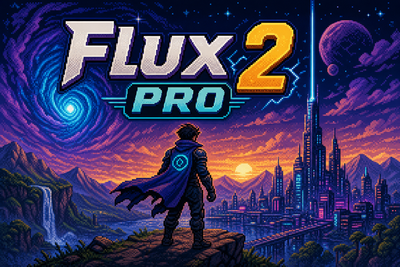 Flux 2 ProBlack Forest LabsImage
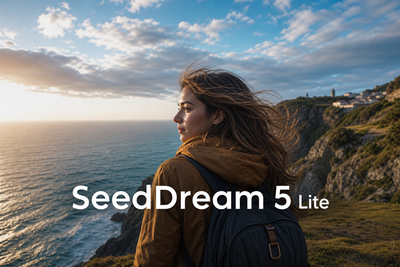 Seedream 5ByteDanceImage
 Recraft V4.1 ProRecraftImage
Chapter 01 · Showcase
The property video, ready to post.
Pick the property, the style, the photos and the music. The Studio builds the tour with the address and your contact — vertical for Reels and Stories, horizontal for YouTube or square for the feed.
Editorial · Architecture magazine — preview drawn live; the video is rendered in high definition.
Eight styles, one click
How a Showcase is born
- 1Pick the property
The photos already on file are right there — no downloading and uploading again.
- 2Pick the style and the format
Editorial, Maison, Noir, Atelier, Lumière, Gallery, Horizon or Classic.
- 3Choose the photos and the track
6 to 10 photos, with optional captions, and a track from the library or created with AI.
- 4Get it ready
In a few minutes the video shows up in Your creations, with your contact and the closing call.
Showcases made in the Studio
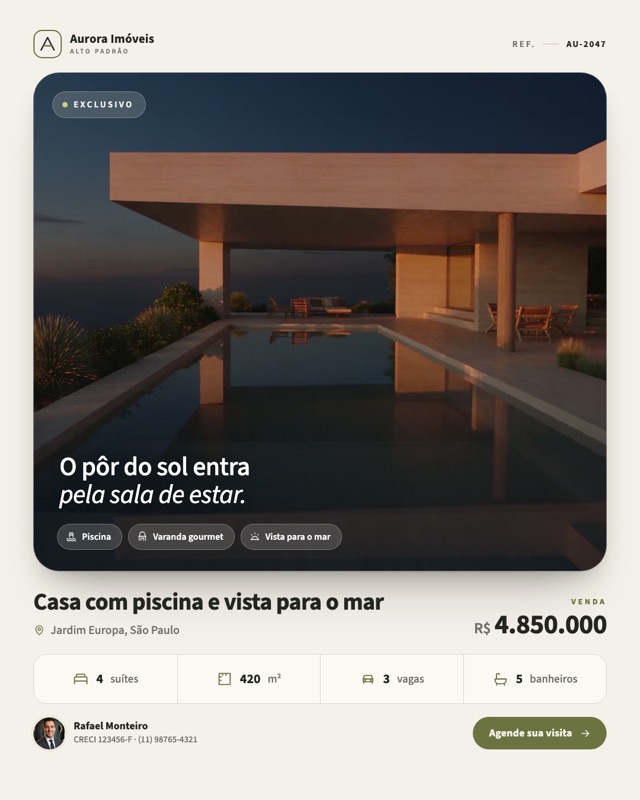
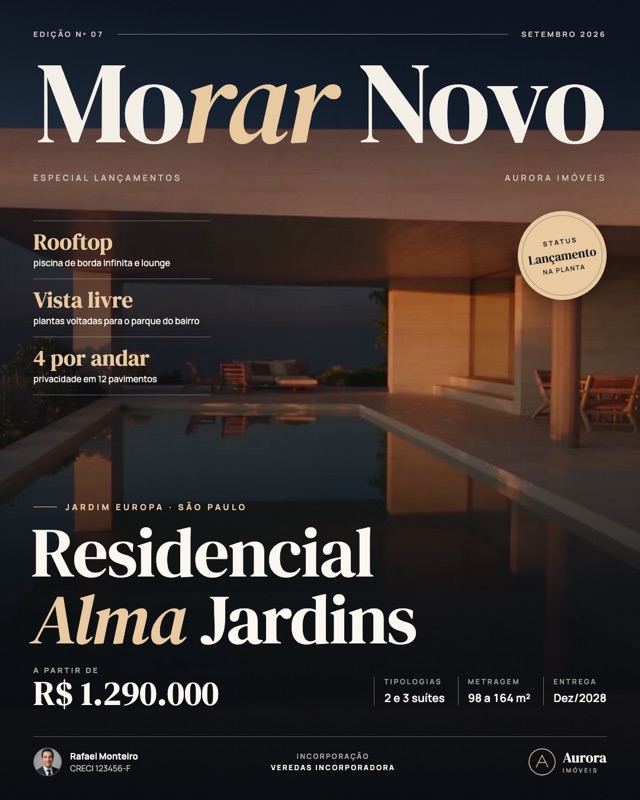
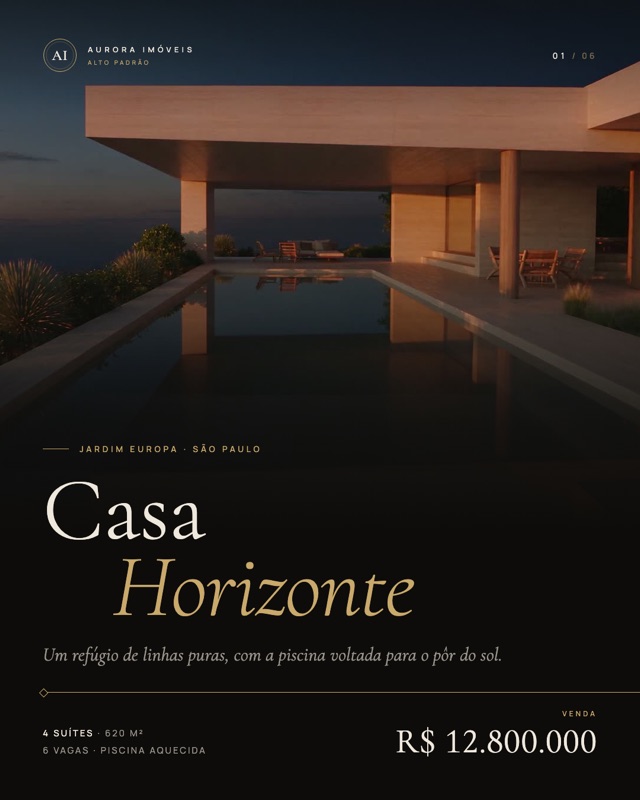
Two properties, two styles, in reels format (9:16). Ready for Instagram, TikTok and WhatsApp status.
Opens full screen, with the soundtrack.
The tools
Everything a property needs to be seen, in one Studio.
Each tool handles one part of the job. Together they replace the camera, the editor and the agency.
AI Videos · AI video
Describe the scene. The Studio shoots it.
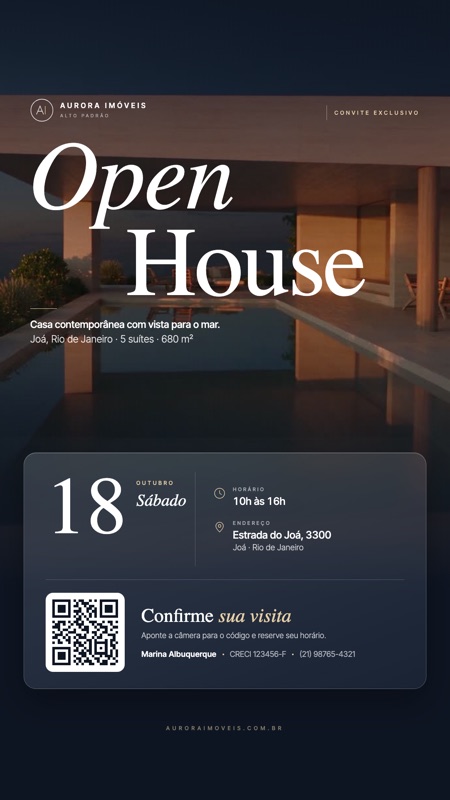
Drone over the address, day to night, a living room that comes alive, a camera gliding through the space: write what you want to see or start from a photo of the property. The engine stays on Automatic until you want to choose.
- Text to video and photo to video, with audio
- Extend, edit and continue a finished video
- Ready-made recipes: Drone over the Area, Setup Crew, Before and After…
Image · AI image
Ready-made pieces, in your brand's look.
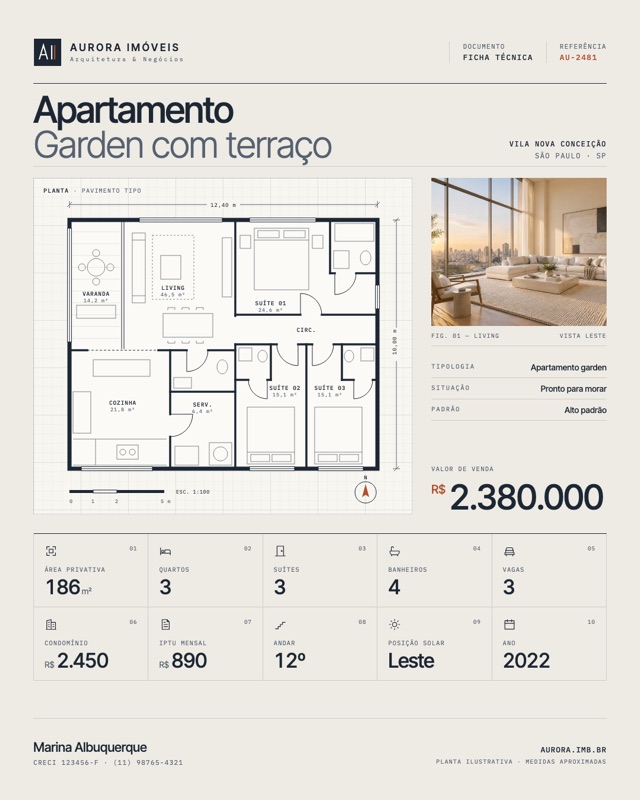
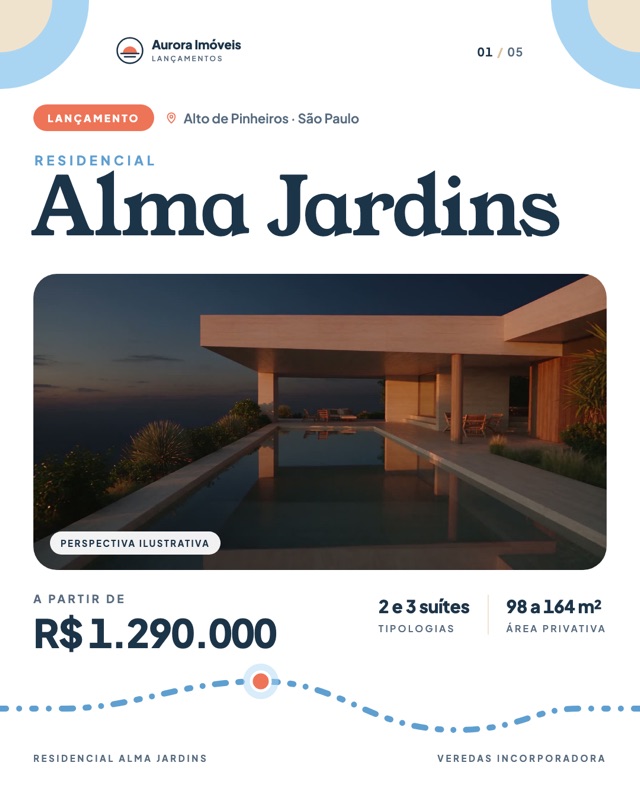
From the Property Promo (photo, details and your logo) to portraits, covers and logos. Legible text, your Brand Guideline colors and reference images so the property stays recognizable.
- Recipes for post, story, carousel, sign and spec sheet
- Professional portraits from a photo of you
- Logo, transparent background and SVG for your identity
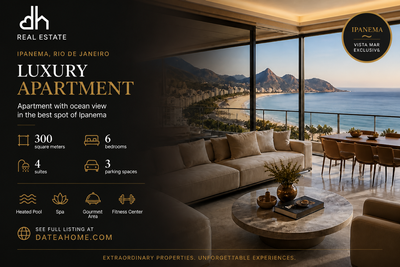

Retouch · Photo editor
The listing photo, without distortion.
Upload a photo or pick one from the property. Enhance straightens and corrects the lens with AI, Erase removes whatever you paint over, Adjust crops, rotates and fixes color by hand, and Filters add the finish. Lots of photos? Run a batch.
- Straight walls, corrected lens and balanced light
- A brush that erases wires, bins and reflections
- Replaces the photo right in the property listing
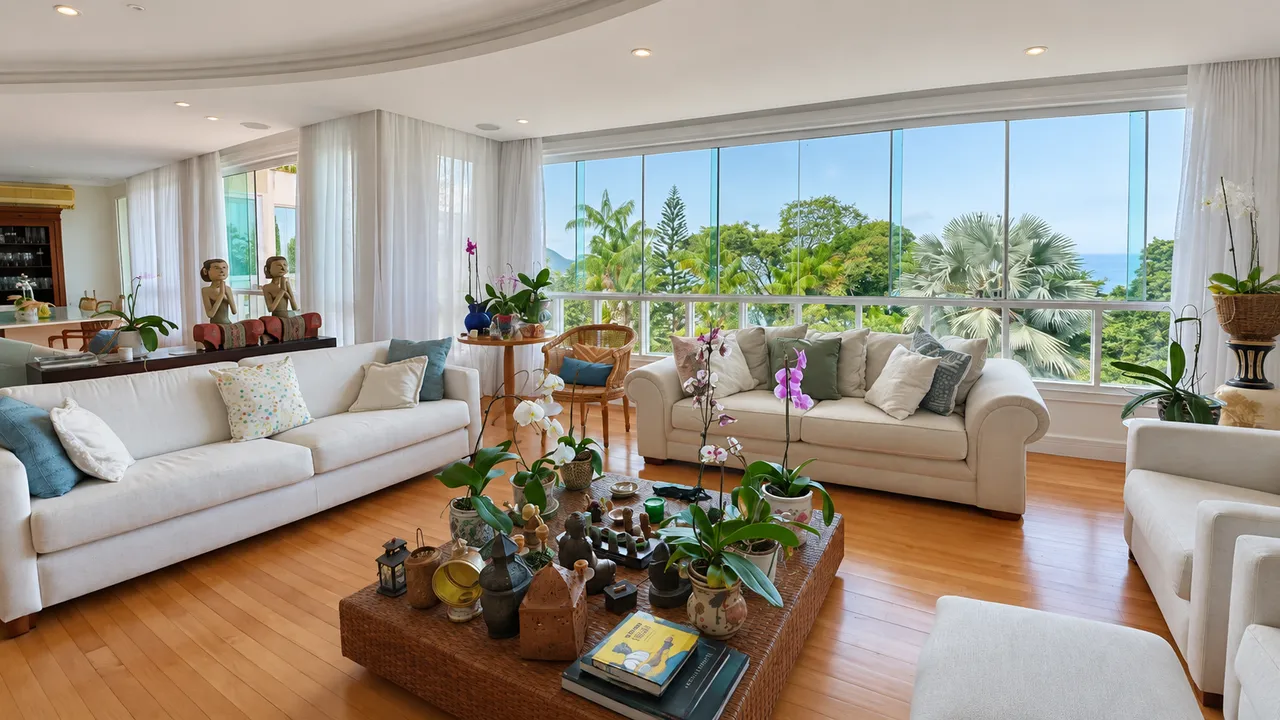
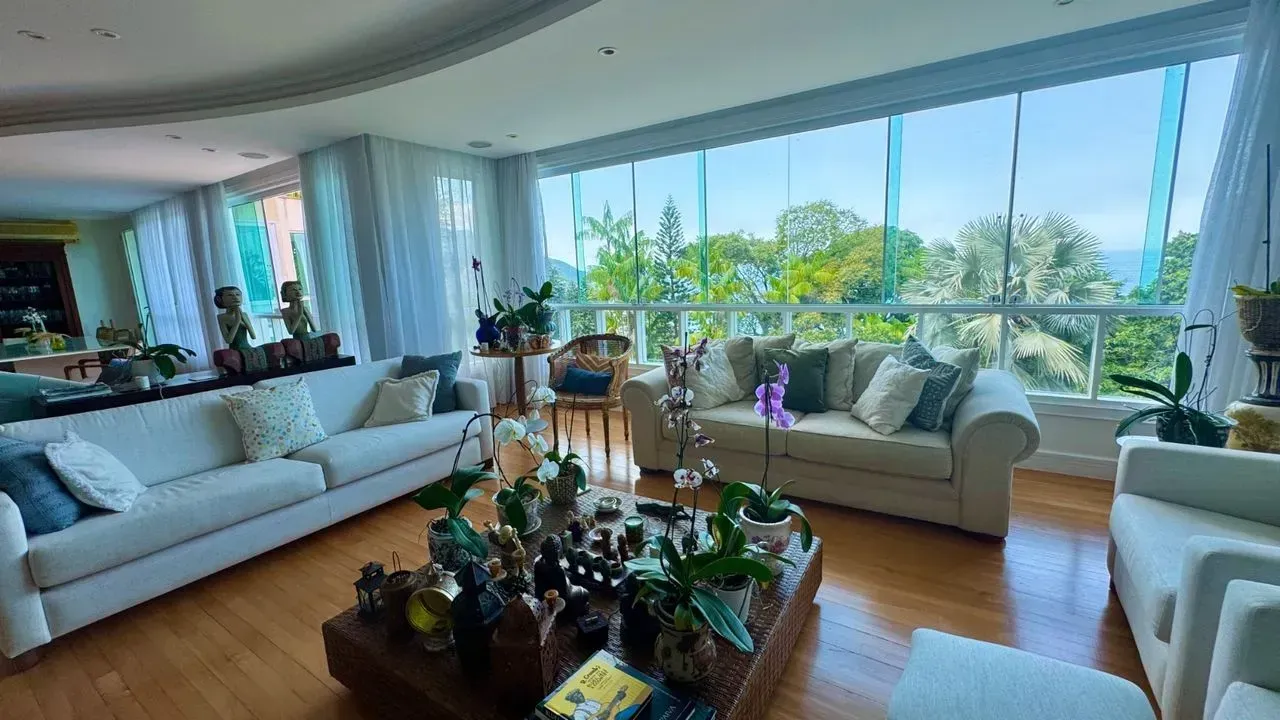 BeforeAfter
Real photos: the same photo before and after Retouch.
Home Staging · Virtual staging
From empty room to decorated room.
Upload a photo of the room and choose what to do: furnish, redecorate, copy a reference style, do a virtual move or rearrange with Feng Shui. Before and after becomes a video in one click.
- 17 architecture and decor styles, from Japandi to Quiet Luxury
- Five modes: furnish, redecorate, reference, virtual move and Feng Shui
- Color palettes and intensity to taste
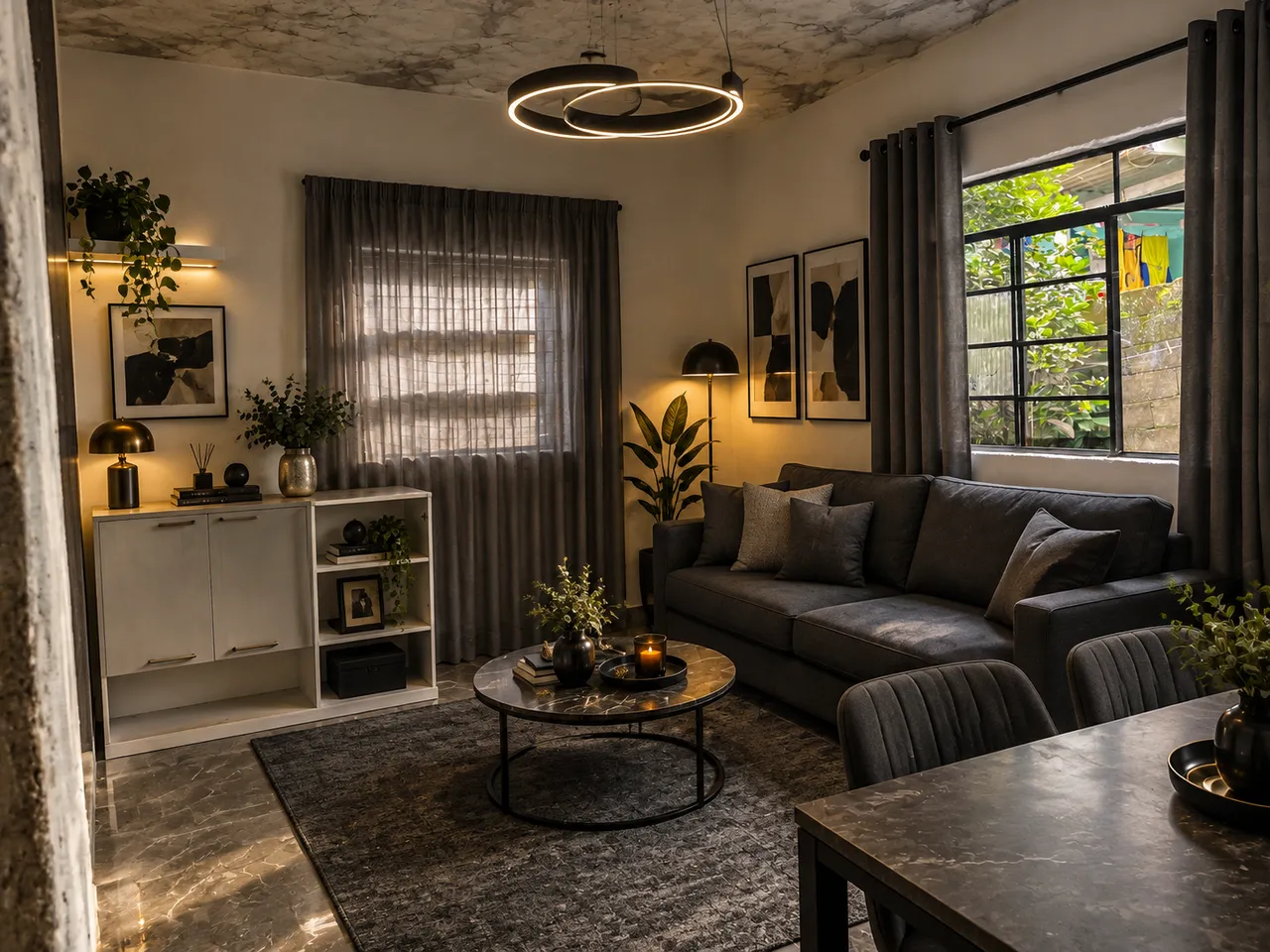
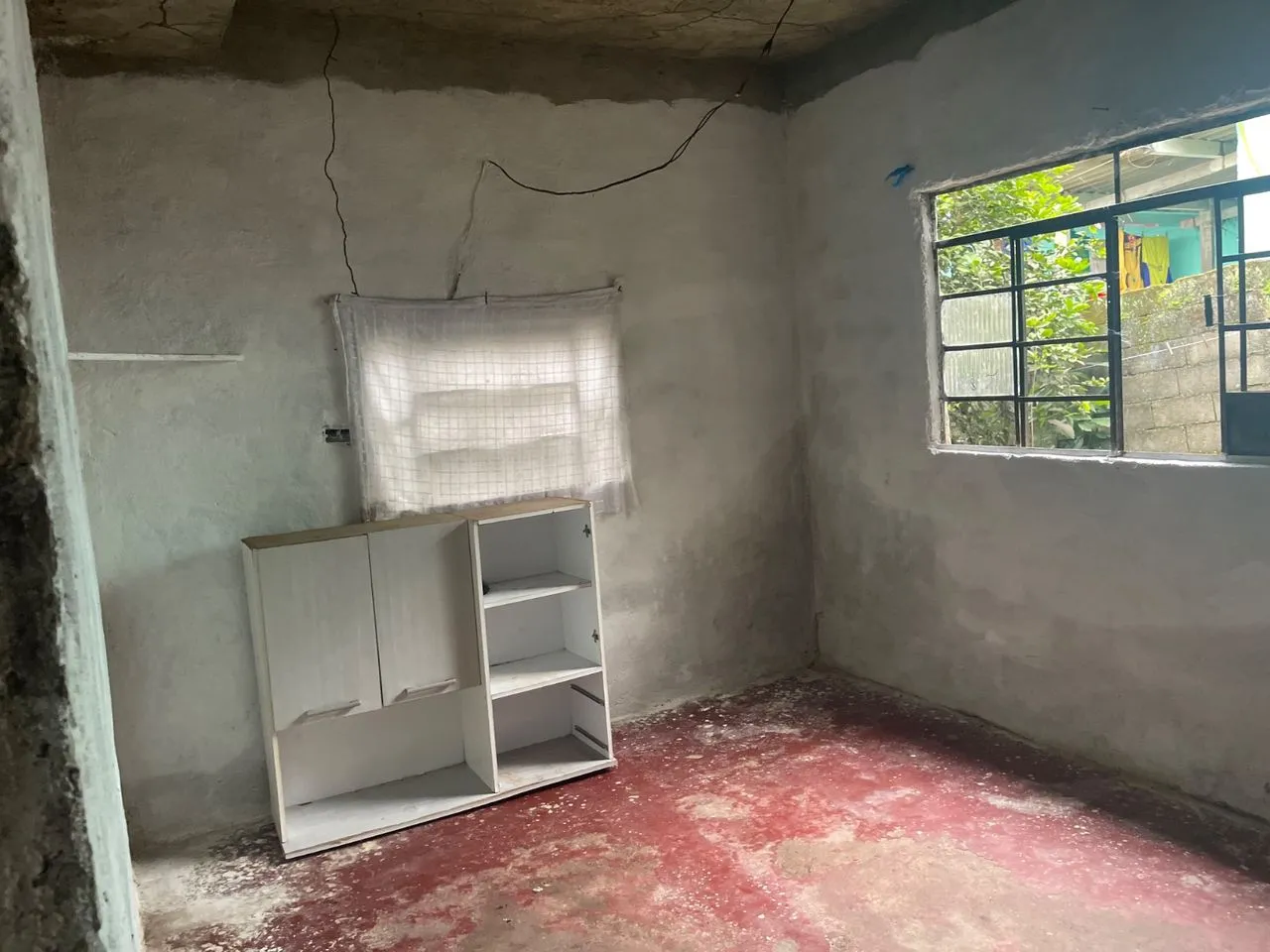 BeforeAfter
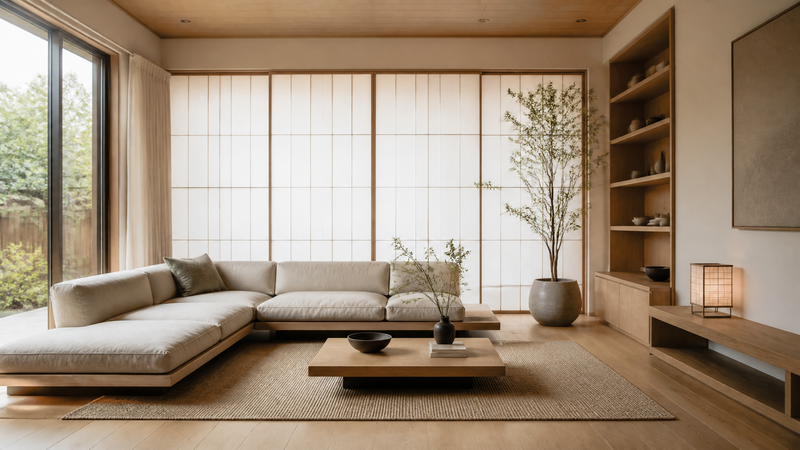 Japandi
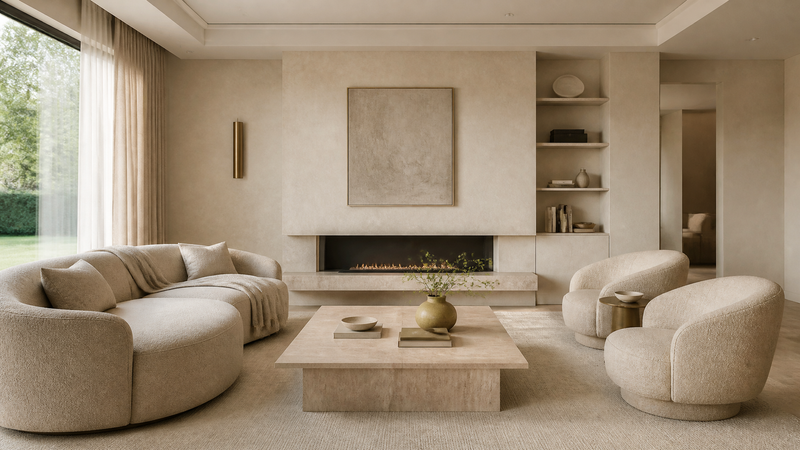 Quiet Luxury
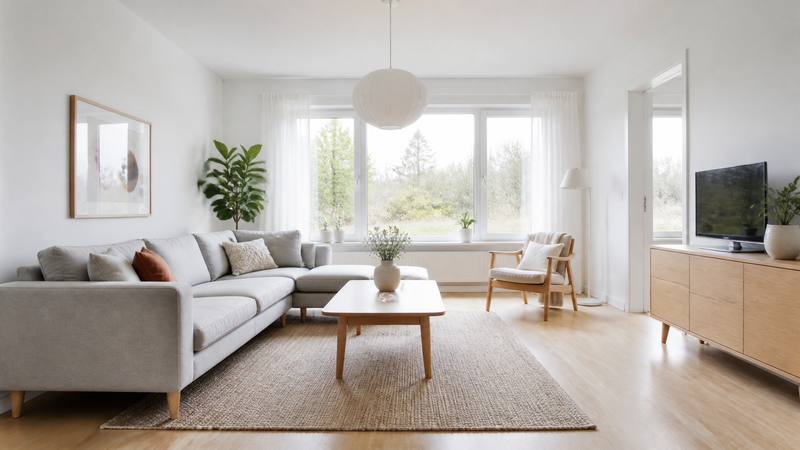 Scandinavian
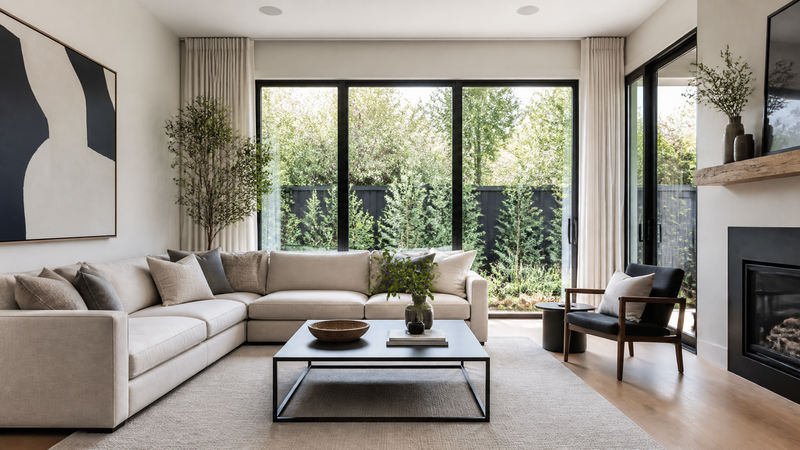 Contemporary
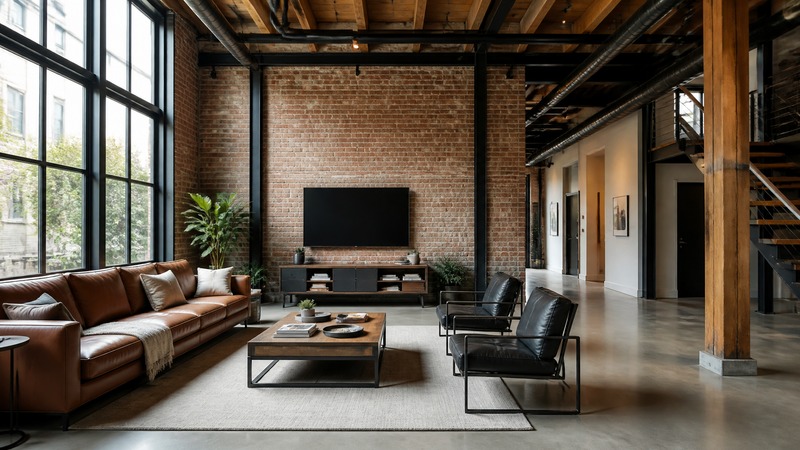 Industrial
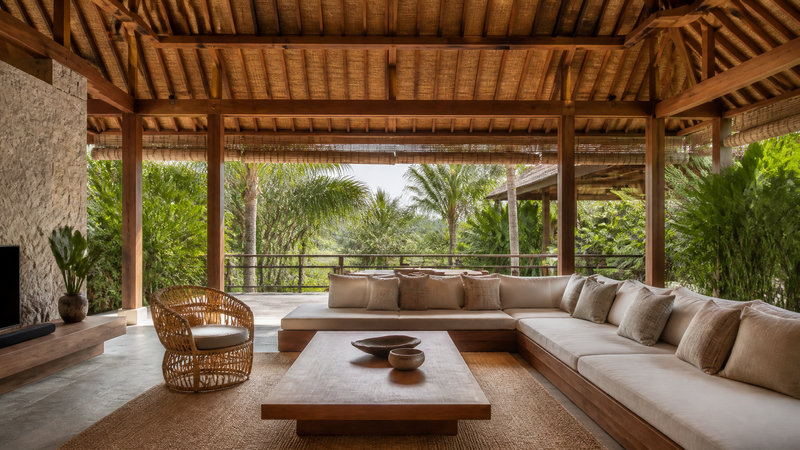 Bali
Projects · Video editor
Build the video your way.
A full editor in the browser: put videos and photos on a timeline, with cuts, transitions, text, stickers and a soundtrack. Or create an image project — posts, stories, carousels and covers — from templates that already pull the property's photos and details.
- Timeline with trimming, ordering and transitions
- Animated text, logos and stickers over the video
- Exports in 1080p and shares by link
 Ocean view Export · 1080p
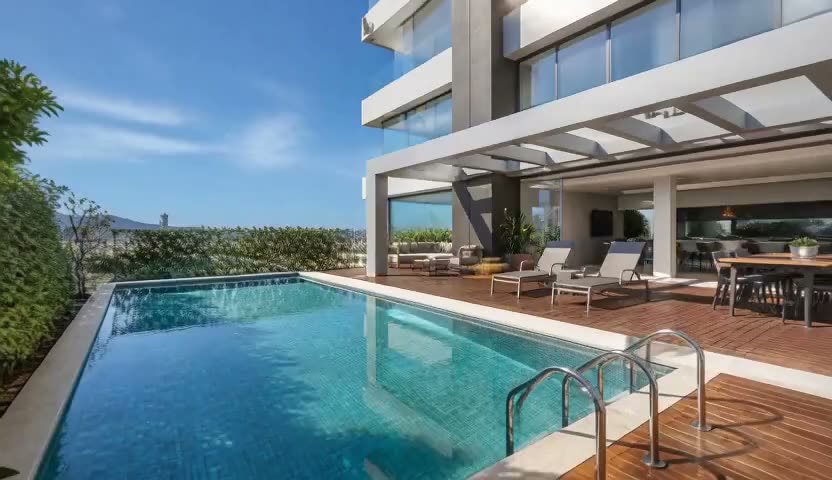
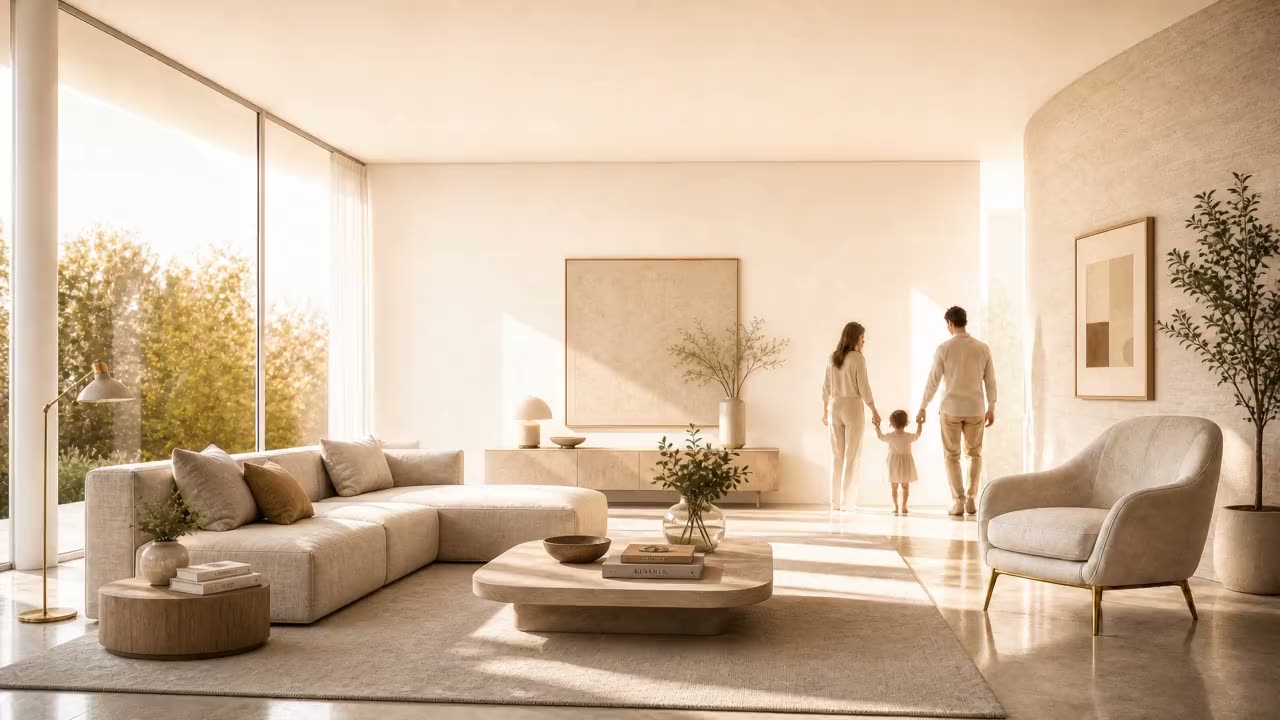
Sound & music · Music & sound
Soundtrack and ambient sound, made to measure.
Create the music for your video with AI: choose the genre, the mood and the instruments, or just describe what you imagine. It also makes ambient sound — rain, sea, fireplace — and can take inspiration from a photo of the property.
- Ready-made recipes for tours, reels, launches and events
- Nora sets the options and writes the lyrics
- The track goes straight to Projects and to the Showcase
And also
Recipes, Inspiration and your Avatar
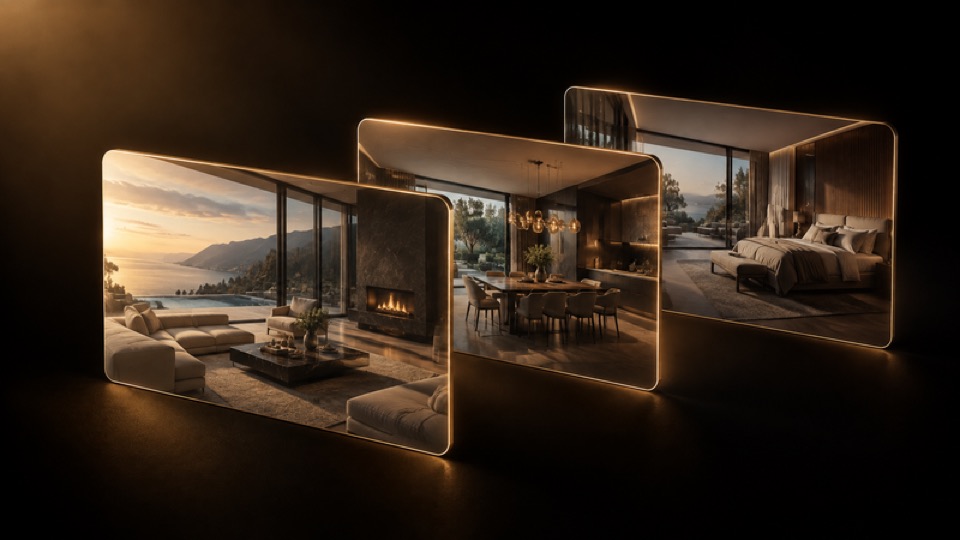 Ready-made templates
Recipes
Every ready-made template in one place — video, image and the Showcase styles. Pick the result and fill in only what's missing.
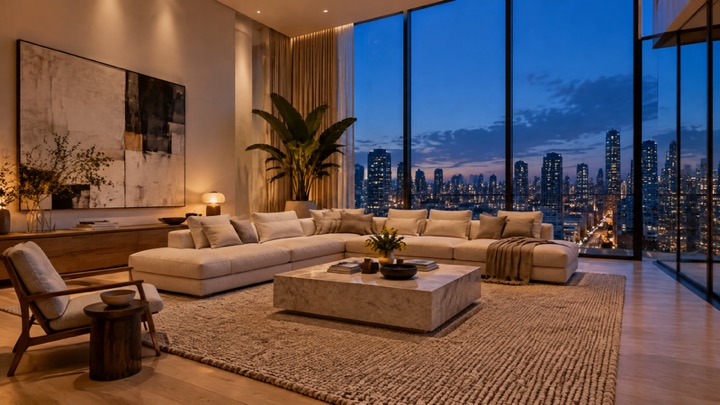 Made on Date a Home
Inspiration
The wall of what Date a Home professionals are creating, with the name and photo of who made it. Like one? Create something similar in one click.
Avatar
Your character sheet to look the same in videos and images — with a closet of looks and a 360 spin.
How it works
From property to post in three steps.
- 01
Pick the property or upload a photo
Photos of properties already on file are right there, with no downloading and uploading again. You can also send from your phone or import from a PDF.
- 02
 With Nora
Describe it or pick a recipe
The engine stays on Automatic. First time? Nora talks with you, builds the request and picks the options.
- 03
Generate, adjust and publish
Follow along in Your creations, compare before and after, download, share by link or publish to Inspiration.
Plans
Start with the Studio or with all of Date a Home.
The Studio can be subscribed on its own. Date a Home PRO clients already have the Studio included in their account.
To start publishing
Starter
R$ 718.80 per year, paid upfront
Billed month to month, no lock-in
- 40 credits per month
- Monthly credits renew every cycle
- Every Studio tool
- 5 GB in NUVEM
- Nora, recipes and Inspiration
For weekly publishing
Basic
R$ 1,354.80 per year, paid upfront
Billed month to month, no lock-in
- 80 credits per month
- Monthly credits renew every cycle
- Every Studio tool
- 15 GB in NUVEM
- Nora, recipes and Inspiration
For those who live on content
Content Creator
R$ 2,698.80 per year, paid upfront
Billed month to month, no lock-in
- 170 credits per month
- 50% of unused credits become permanent balance
- Every Studio tool
- 50 GB in NUVEM
- Nora, recipes and Inspiration
For teams and agencies
Agency
R$ 5,398.80 per year, paid upfront
Billed month to month, no lock-in
- 360 credits per month
- 50% of unused credits become permanent balance
- Every Studio tool
- 150 GB in NUVEM
- Up to 5 people
- Nora, recipes and Inspiration
- Showcase costs 5 credits on Studio plans
- Secure payment via Stripe, in the currency you choose: real, dollar or euro
The complete infrastructure
Date a Home PRO
The whole real estate infrastructure in a single account. A PRO subscription gives you access to every product below, Studio included.
What comes with PRO
- Date a Home StudioIncludedVideos, images, photo retouching and home staging with AI, ready to post.
- CRMPipeline, contacts, calendar, viewings and cadences, with AI Agent and Date a Home Matrix.
- TalkWhatsApp and Instagram in one inbox, with service control and an AI copilot.
- Portfolio managementComplete listings with media, documents, marketing channels and a performance report.
- Landing pages and traffic pagesA property page in one click and conversion pages for campaigns, with leads going straight to the CRM.
- Presentation toolsProperty presentations in PDF, curated pages for each client and a showcase on the office TV.
- Marketing toolsEmail marketing and newsletters, broadcasts, lead capture forms, link page and QR codes.
- AtelierNora plans, creates and schedules your brand's Instagram and builds Meta campaigns.
- Content managementArticles with AI-driven SEO for your website and the portal, published in 7 languages.
- Digital signature and contractsContract templates with variables, automatic generation and legally valid digital signatures.
- Professional WebsiteMultilingual website with your own domain, AI-driven SEO and listings synced with the CRM.
- Date a Home MatchThe partnership network: share your portfolio and close deals with other professionals.
- NUVEMProperty and contact images and documents in one place, shared by link.
- Date a Home MobileThe main features on iPhone and Android, with photography mode.
- IntegrationsOLX, QuintoAndar, Chaves na Mão, WhatsApp, Instagram, Google Calendar and much more.
- Date a Home PortalYour listings alongside the leading high-end professionals, in 7 languages.
Already a Date a Home client? Sign in